
Choose the platform
Match the store to the website, budget and existing point-of-sale system.


A store is more than a product page and a payment button. The right platform depends on what you sell, how customers pay, how orders are fulfilled and what needs to stay synchronized.
The platform can change, but the setup follows the same basic path.
Match the store to the website, budget and existing point-of-sale system.
Products, services, prices, variations, images and inventory.
Cards, PayPal, digital wallets or an existing payment provider.
Shipping, pickup, local delivery, bookings or digital delivery.
Taxes, notifications, checkout and a complete test order.
There is no single best choice. The useful question is which system removes the most friction for this business.
An all-in-one hosted store with products, checkout, orders and apps in one dashboard.
Often fits: a dedicated online retail operationA flexible store built into WordPress, with hosting and extensions selected separately.
Often fits: a WordPress website that needs controlConnects online orders, items and inventory with Square’s payment and POS ecosystem.
Often fits: selling both in person and onlineMay be the better route when the business already relies on a specific in-store system.
Often fits: keeping existing operations synchronizedA useful quote separates the initial build from the fees charged by the platform and payment provider.
Platform references: Shopify pricing, WooCommerce setup checklist, Square Online Canada, and Clover Canada.
A few examples of my work with bookings, payments, shipping and store migrations.
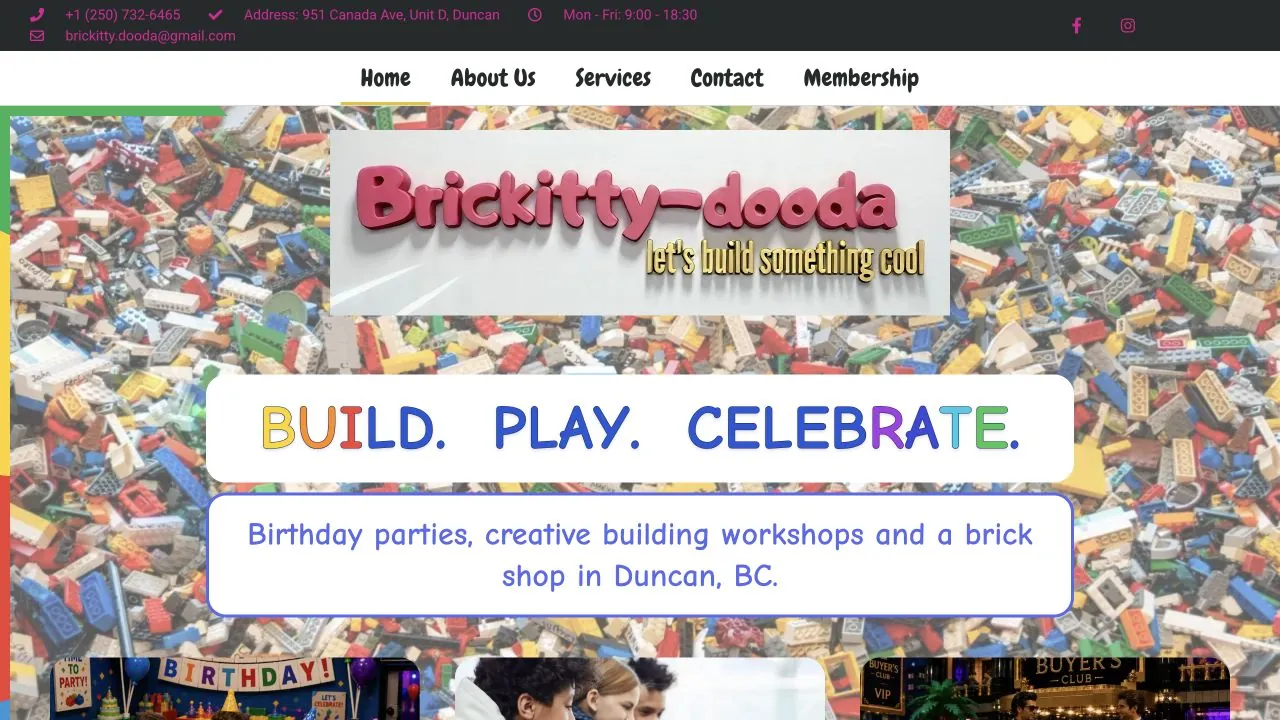
I configured booking availability and online payments using Square and WooCommerce integrations.
Visit website
I migrated the online store from WooCommerce to Clover and configured Clover and Canada Post integrations.
Visit website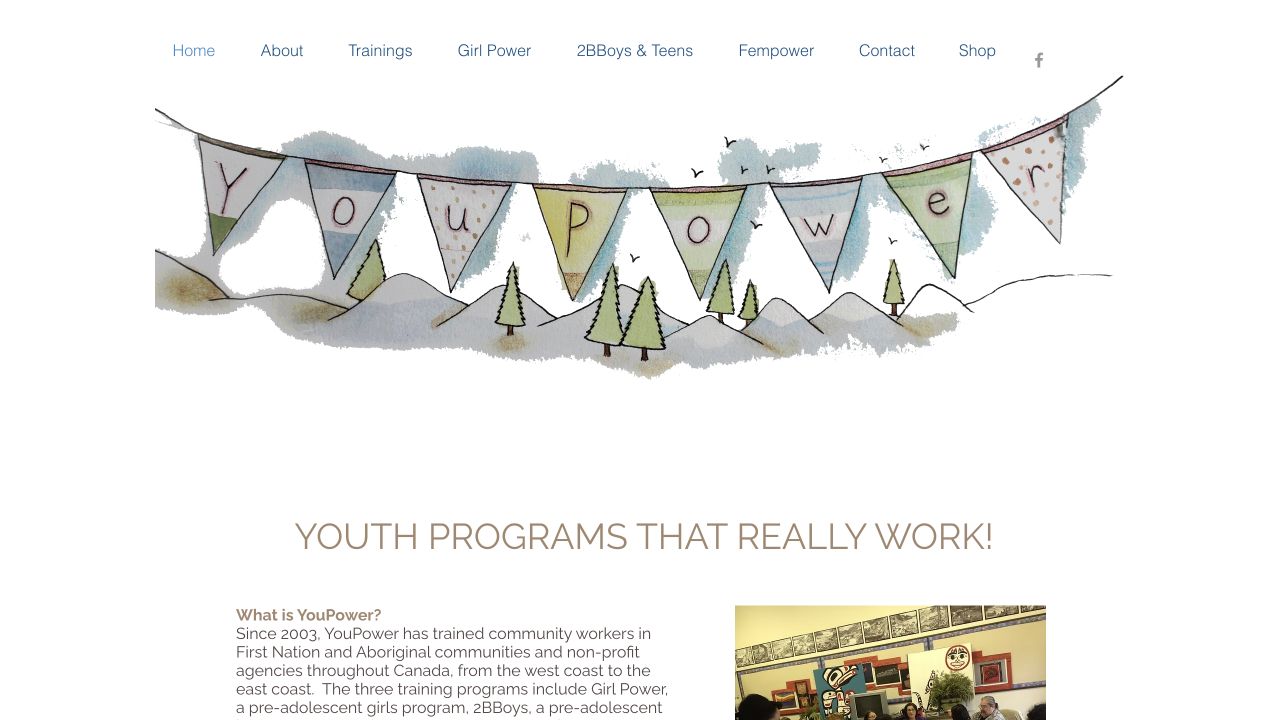
I configured PayPal payments and corrected an error in the payment settings.
Visit websiteTell me what you offer, how customers should pay and how orders should be delivered. I’ll help narrow down the platform before quoting the setup.
Ask about an online store